

I like to refresh my notebook designs every now and then. I’ve just created a new pattern for my Succulents notebook design, so I thought I’d use this opportunity to show the process for creating a repeat pattern.
Stage 1: draw motifs
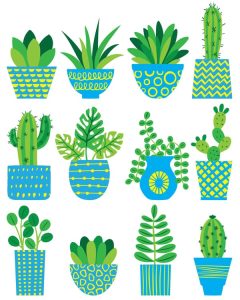
For this pattern I wanted a selection of succulent plants and pots. I’ve drawn the motifs in Procreate. The plants are in 3/4 layers and the pots in 2 layers, so I can re-colour each layer separately.
Stage 2: create a pattern tile
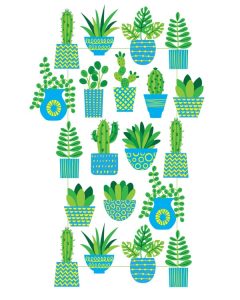
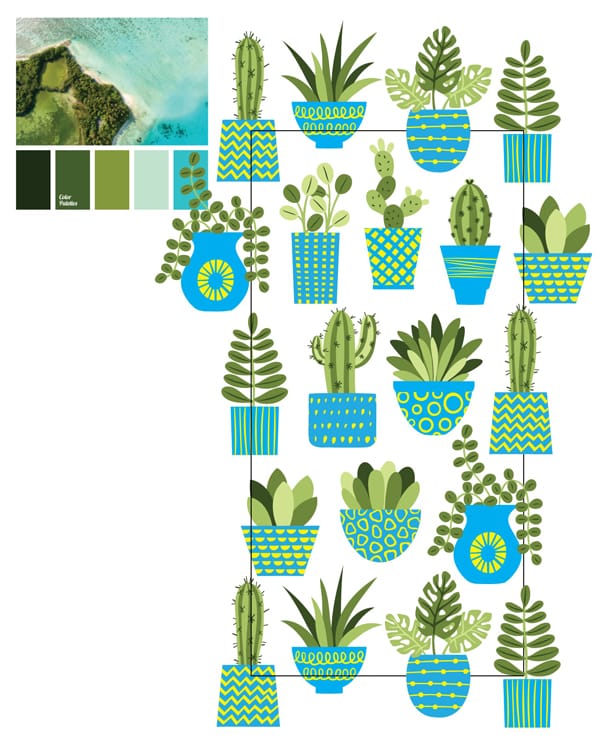
I’ve traced the motifs in Adobe Illustrator and now it’s time to create a pattern tile. For this pattern I’m creating a half-drop repeat. If you look at the cactus in the top left, you’ll see it’s repeated in the bottom left and also half way down the right hand side. The other type of pattern tile is a square, where the motifs are repeated top and bottom and left and right. The half drop repeat creates a pattern with a bit more movement.
Stage 3: add colours
Now to add the colours. I tend to use photos to create natural looking colour palettes. There are websites full of such photos and you can see the two photos I’ve used. I usually tweak the colours later on and for this pattern I changed the blue/grey to red for extra brightness.

Stage 4: expand the pattern
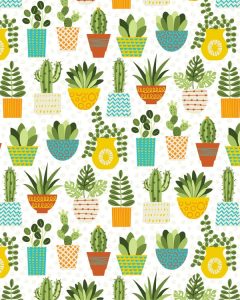
Once I’m happy with the colours I can expand the pattern. I duplicate all the motifs so that the pattern tile becomes a square, with the edges matching up perfectly. I can then either use the square as it is, or drop it into the Illustrator colour palette so it can be used in the same way as a standard colour. At this point I added a texture to the background as it was a little plain.
Stage 5: apply the pattern to the notebook
I add the pattern to the notebook cover and at this point often tweak the scale. Then I add my logo, the personalisation for the cover and finally carry out some test prints to check it looks as I want it to.
For this design, at this point I contemplated changing the scale for some of the plants, but when I tried, it left lots of empty space, so I’ve stuck with plants of a similar size.
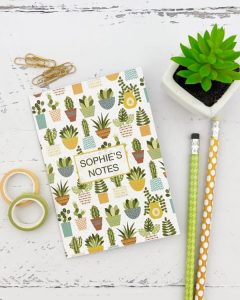
I hope you’ve enjoyed this post about creating a repeat pattern. If you’d like to view the finished notebook, you’ll find it here: succulents personalised notebook
Leave a Reply